Platform Guide
Master the art of high-stakes bidding and marketplace etiquette. Our Platform Guide is designed to support users at every level of experience. We offer a concise Basic Guide for quick onboarding and essential features, alongside a comprehensive Advanced Guide for detailed strategies and in-depth platform mechanics.

Not every trade has to be cash. During a live auction, you can offer an item from your own locker as a swap instead of, or alongside, a cash bid.
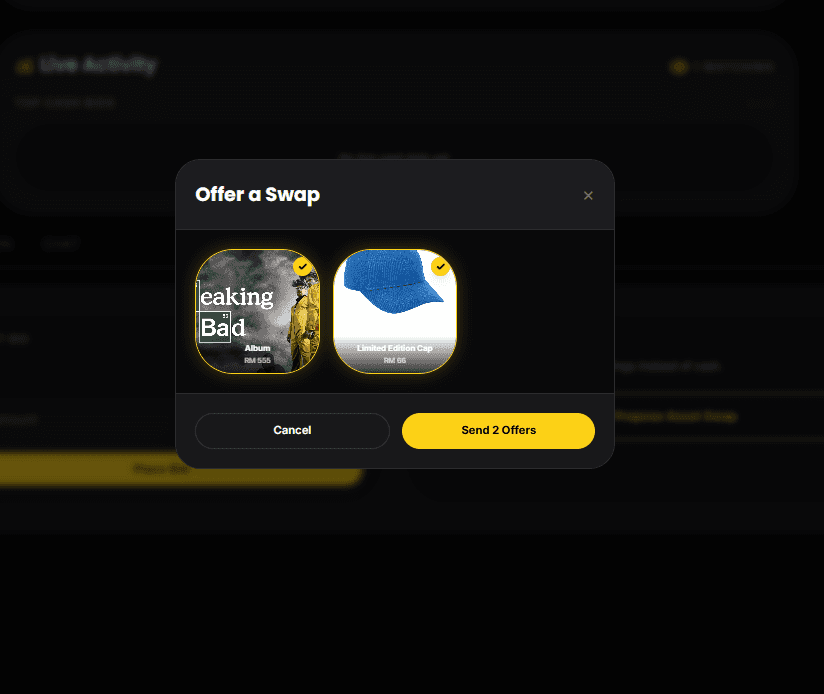
You can offer the same item to as many listings as you like. Nothing is locked while offers are pending — the item is only reserved when a seller accepts your offer, at which point it's locked into that trade and can't be offered or bid on anywhere else.
- Each item you offer becomes its own separate offer entry.
- Withdrawing an offer within 10 minutes of placing it is free.
- After that, each withdrawal counts toward your 3 free daily retractions (shared with cash-bid retractions).
- Offers cannot be withdrawn in the final hour of a listing, so the seller can rely on what is on screen when they choose.
- If a seller rejects one of your items on a listing, you cannot offer that same item to that listing again.
When the auction ends, the seller picks a single outcome — accept the highest cash bid, or accept one of the swap offers as the winning trade.
Once an auction ends, here's the full timeline:
- 18 hours — the seller has this long to choose the outcome: cash or swap.
- 72 hours — once the outcome is chosen, both sides have this long to actually complete the trade.
- 48 hours — a separate, automatic timer: this is how long after the auction ends before the seller can manually offer the item to the next highest bidder (one at a time) instead.
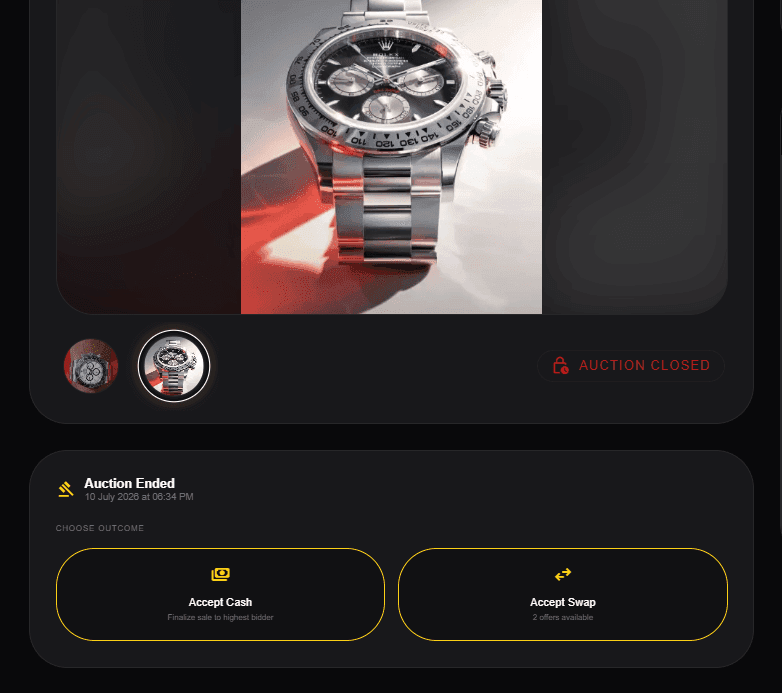
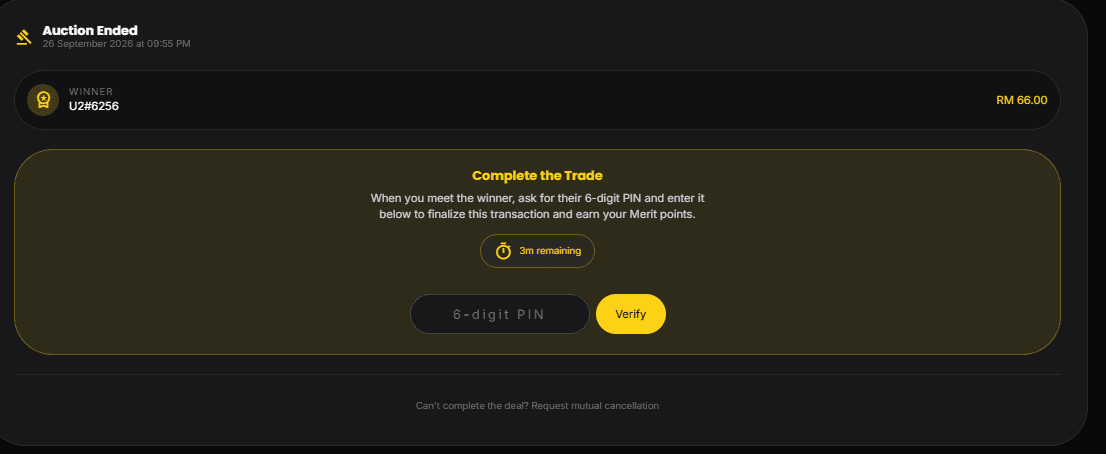
To confirm the trade actually happened, BidSwap uses an in-app PIN handshake: the system generates a 6-digit PIN once the seller picks the outcome, the buyer is shown the PIN and a QR code, and the seller is the one who enters the PIN to confirm — no external payment app required.
Chat access narrows once the auction closes — only the seller, the winner, the top 3 bidders, and anyone who made a swap offer keep access.
If both sides agree they can't complete the deal for any reason, mutual cancellation lets you dissolve it cleanly — no penalties, no ghosting. See below for how it works.
See the official Trade Completion & Anti-Ghosting rulesarrow_forwardMutual cancellation — the clean way outarrow_forwardGhosting is when someone goes silent after a trade is confirmed — no response, no follow-through, no communication. If it happens to you, here's what to do.
- You don't have to wait out the full 72-hour response window before acting — 48 hours after the auction ended, you can manually offer the item to the runner-up bidder instead. This is a separate, independent option, not something gated behind proving the other side ghosted.
- Separately, once the 72-hour window does lapse with no response, that counts as a confirmed no-show and triggers a real demerit penalty against the other party. The deal itself is recorded as Expired — never as a completed sale — so no reviews can be left for it.
- Use the Report option to flag the no-show for review — this is what feeds the demerit process, distinct from moving on to the runner-up.
Confirmed ghosting carries a real penalty for the person who did it — it's not just an inconvenience you have to absorb quietly.
See the Trade Ghosting demerit and penaltyarrow_forwardSometimes a deal just can't happen — schedules don't line up, someone changed their mind, or the logistics fell through. Mutual cancellation exists so both sides can walk away cleanly without either party picking up a demerit or a rank hit.
- Either the seller or the winner can send a cancellation request from the handshake panel on the listing page.
- The other party gets a notification and can Accept or Decline within 48 hours.
- If accepted: the deal dissolves, swap items are freed back to your locker, and the listing is marked "Cancelled (Mutual)."
- If declined: the trade window continues as normal.
- If ignored for 48 hours: the request expires automatically.
- After cancelling, your private chat with the other party stays open for 7 days so the two of you can arrange your own meetup and settle up outside BidSwap. Only you two keep access, and the thread goes read-only after that.
You can track how many mutual cancellations you've initiated on your profile's Activity Summary tab. Only the count of cancellations you started is shown — accepting someone else's request does not add to your count.
Merit points are BidSwap's trust score — earned only through genuine activity, never purchased.
The rank ladder:
- Newbie — 0 points
- Explorer — 130 points
- Hunter — 300 points (unlocks reporting rewards)
- Challenger — 600 points
- Champion — 1,200 points
- Ace — 2,500 points
- Elite — 5,000 points
- Tycoon — 10,000 points
- Legend — 25,000 points
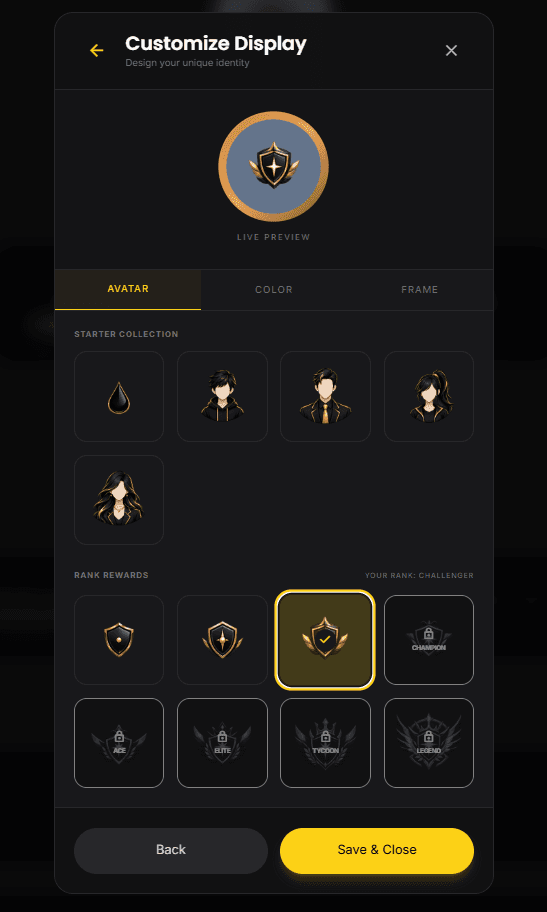
Climbing the ladder unlocks cosmetics: basic display pictures and a colour picker from the start, then rank DPs at Explorer, Hunter, Challenger, Champion, Ace, Elite, Tycoon and Legend, and frames — Bronze at Explorer, Silver at Challenger, Gold at Ace, and Diamond at Tycoon.

A few of the bigger ways to earn points beyond everyday bidding and selling:
- Daily login streak — +2/day, +5 bonus on day 7
- Bid streak — bid at least once a day for 7 days for +3/day plus a +10 day-7 bonus
- Referrals — +10 for a friend reaching Explorer (up to 4/month), +50 for a friend reaching Hunter (up to 3/month)
- Milestones — bonus points at your 10th/50th/100th bid, and 5th/30th/60th item sold
Merit points have a counterpart: demerits, earned by breaking the rules. The Rules page has the authoritative table of every code and its point value — here's the short version of how the system behaves.
Demerits decay automatically — you lose 5 points a week, checked whenever you log in. That means an isolated slip-up fades on its own, but repeat violations pile up faster than they decay.
As demerits build up, consequences escalate in stages: first a rank demotion and a private warning, then a short suspension, then a locked "critical standing," and finally — for the most severe or repeated violations — a permanent ban.
Your profile picture, color, and frame are all customizable — pick from the pools unlocked at your current rank.
You can also toggle your profile between public and private, and likes from Explorer+ users count toward milestone bonuses at 10, 30, 60, and 90 likes.
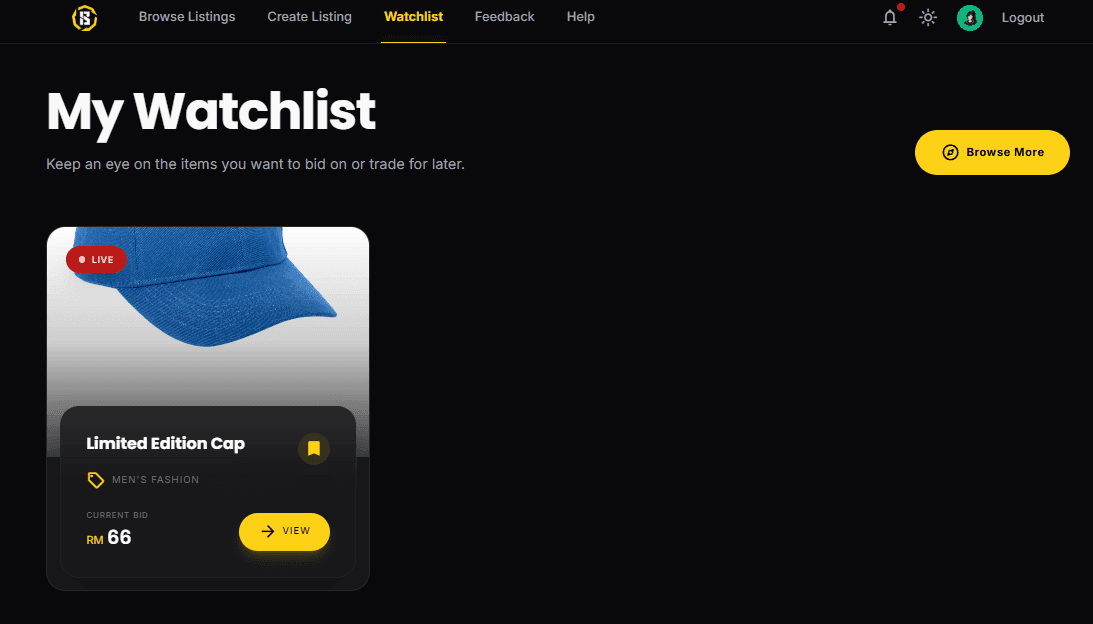
Found something you want to keep an eye on? Save it to your watchlist. Your first save is worth +10 points, and milestones are based on how many different sellers you've saved from: +5 at 5 sellers, +15 at 20 sellers, and +30 at 50 sellers (the tracker stops counting after 50). Sellers also earn +10 once a listing reaches 10 unique saves from Explorer+ users.
See a listing, chat message, or profile that breaks the rules? Use the Report button — it's not just a formality. Valid reports earn you +15 points (Hunter rank required, up to 2/week), and the violator loses 15 points as a penalty.
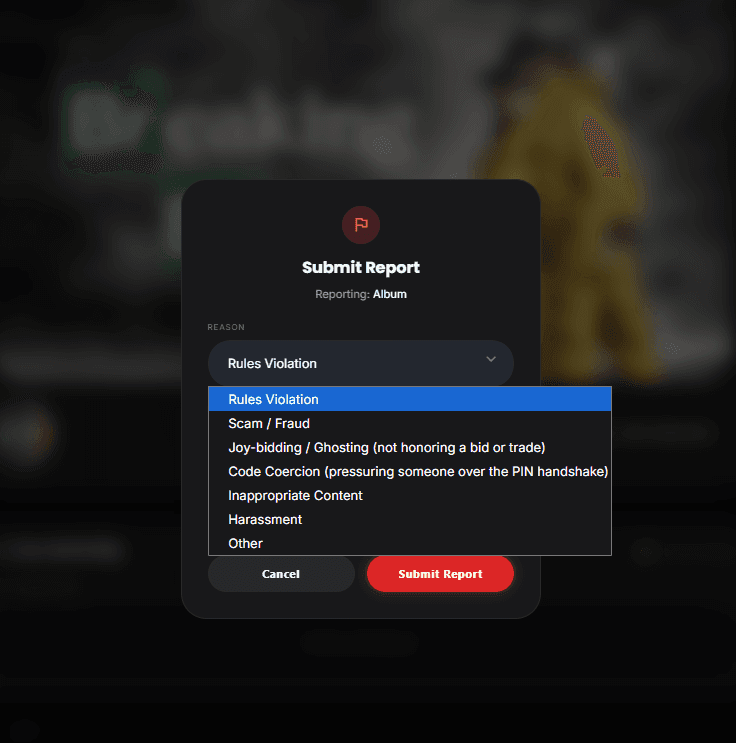
Reports go to real moderators and are typically reviewed within 48 hours.
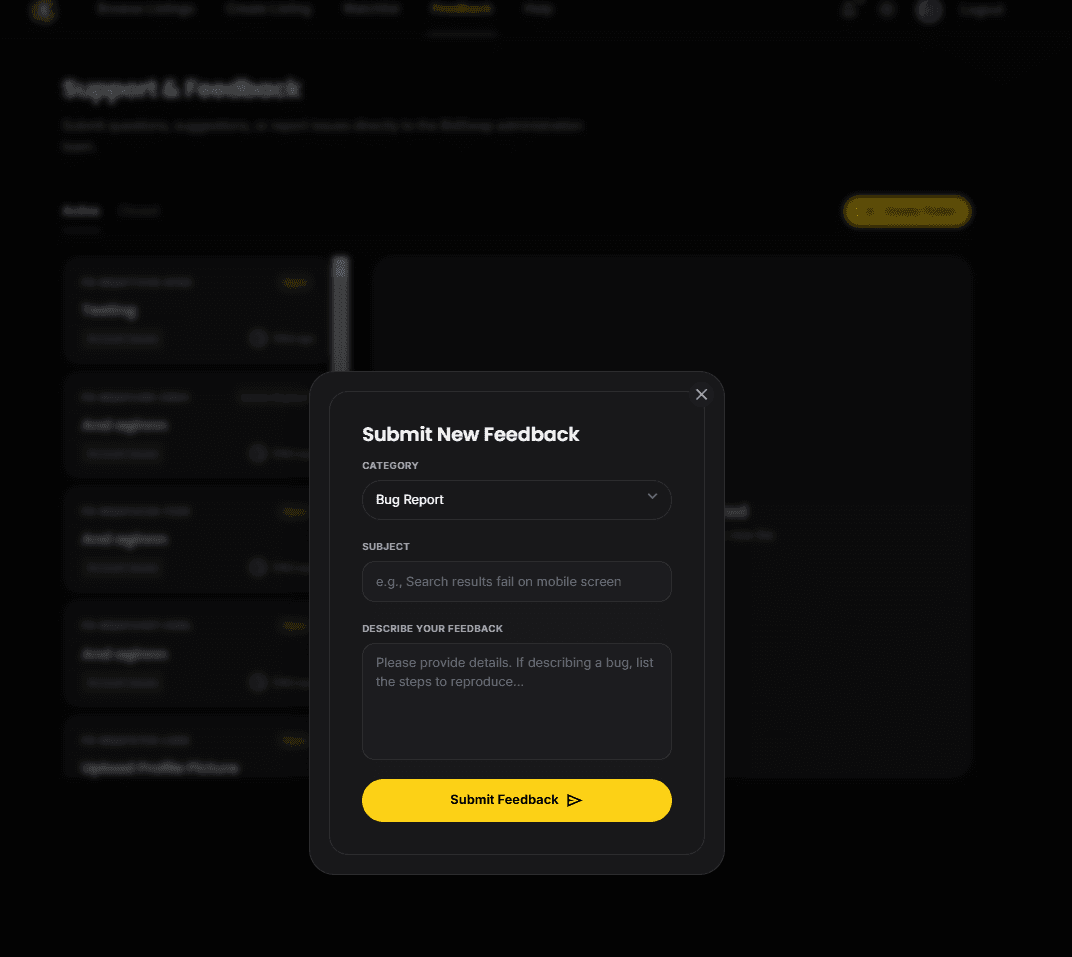
For anything else — a bug, a question, a suggestion — submit a ticket through Feedback. You'll get a threaded view so you can follow admin replies over time.
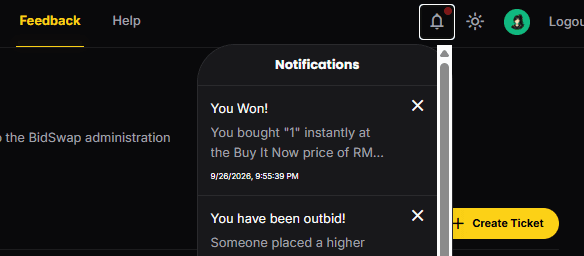
You can control what you get notified about — outbids, new messages, merit updates, and more — from your notification preferences.
Between 3:00–5:00 AM MYT, any listing that would end during that window automatically extends to 5:01 AM, and no new listings, bids, or swaps can be placed from 2:45–5:00 AM MYT.
Anti-sniping extensions are also capped at 2:30 AM MYT during this window, so a listing can't chain-extend indefinitely into the dead zone.
You can run up to 5 active listings at the same time.
Each listing can run for 1 hour, 3 hours, 6 hours, or 24 hours.
Full listing cancellation rulesarrow_forwardIf you decide to leave BidSwap, you can permanently delete your account from the Danger Zone tab on your profile.
- Go to your Profile page (click your display picture in the navbar)
- Select the Danger Zone tab — the last tab on the right of the tab bar
- Click Delete Account
- Type your exact username in the confirmation modal to confirm
If your account is banned or suspended, self-deletion is blocked — you will see a restriction error instead. Submit a Feedback ticket to resolve the restriction first, then try again.
Official Account Deletion rulesarrow_forwardA compact glossary and a link to the same demerit table from the Rules page, kept here for convenience.
- Floor price — the current lowest acceptable bid on a listing
- Handshake — the in-app PIN exchange that confirms a completed trade
- Ghosting — going silent on a confirmed trade instead of completing or declining it
- Runner-up window — the 48-hour, automatically-opened second chance offered to the 2nd/3rd place bidder if the seller chooses to move on from the original winner
- Demerit decay — the automatic 5-points-per-week reduction in demerit points
- Make Your First Bid — the +30 bonus for placing your very first bid