Platform Guide
Master the art of high-stakes bidding and marketplace etiquette. Our Platform Guide is designed to support users at every level of experience. We offer a concise Basic Guide for quick onboarding and essential features, alongside a comprehensive Advanced Guide for detailed strategies and in-depth platform mechanics.

BidSwap is a live marketplace with a twist: bid cash on a listing like a normal auction, or skip the cash entirely and offer a swap from your own locker instead. Everything happens in real time, right down to the countdown clock.
- Describe — a seller lists an item with photos and details.
- Market Decides — buyers bid cash or offer a swap, live, until the timer runs out.
- Close at Fair Value — highest bid or best swap wins, no guesswork.
Quick-start checklist for your first day:
- Create an account and verify your email
- Pick a starter profile picture
- Complete your profile (name, bio, location)
- Like a listing you enjoy
- Save a listing to your watchlist
- Place your first bid — any logged-in account can bid
Sign up from the login button in the navbar. It only takes a minute.
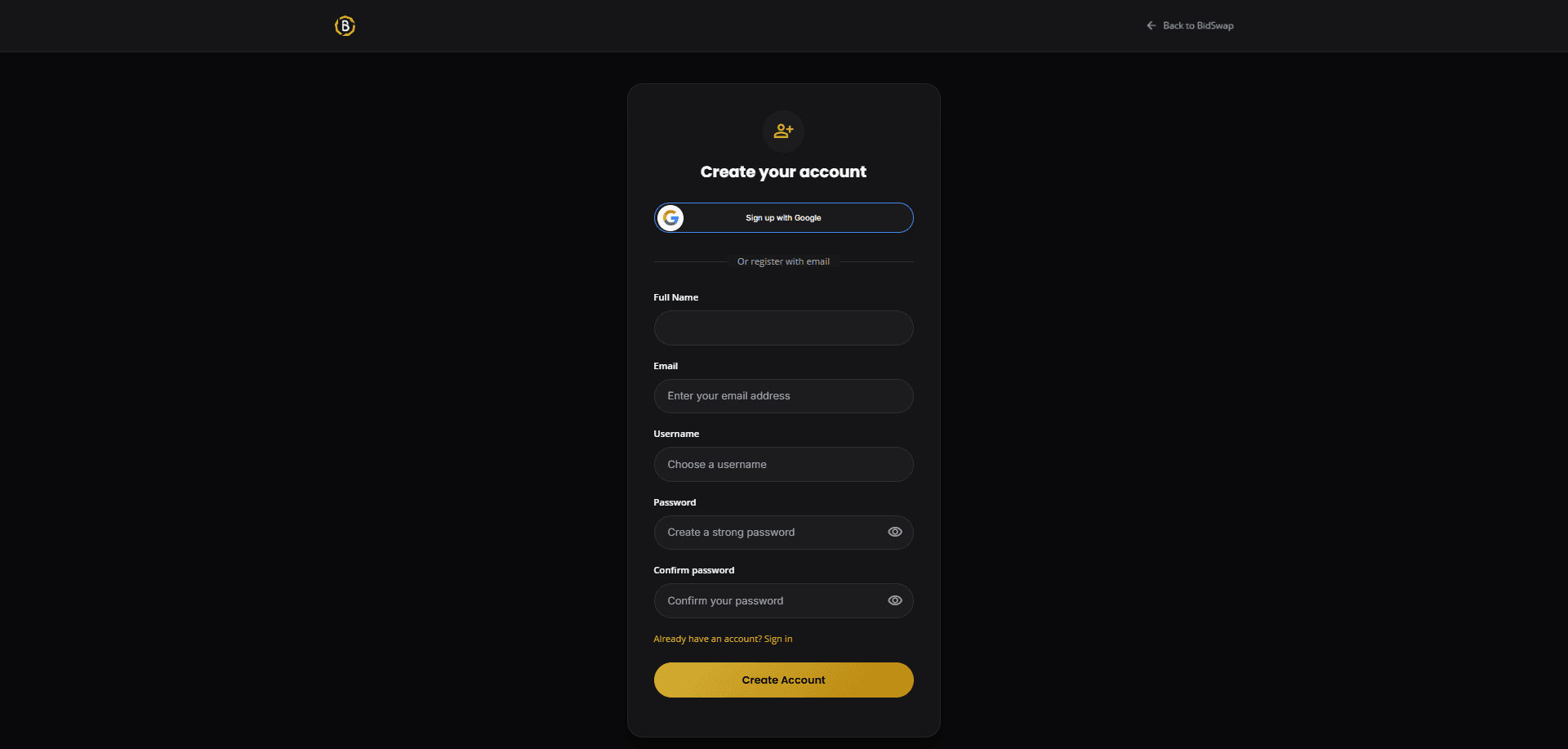
After registering, check your inbox for a verification email and click the link — that alone is worth +20 points.
Then head to your profile and fill in your display name and state. A complete profile is worth +10 points and helps other users trust who they're trading with.
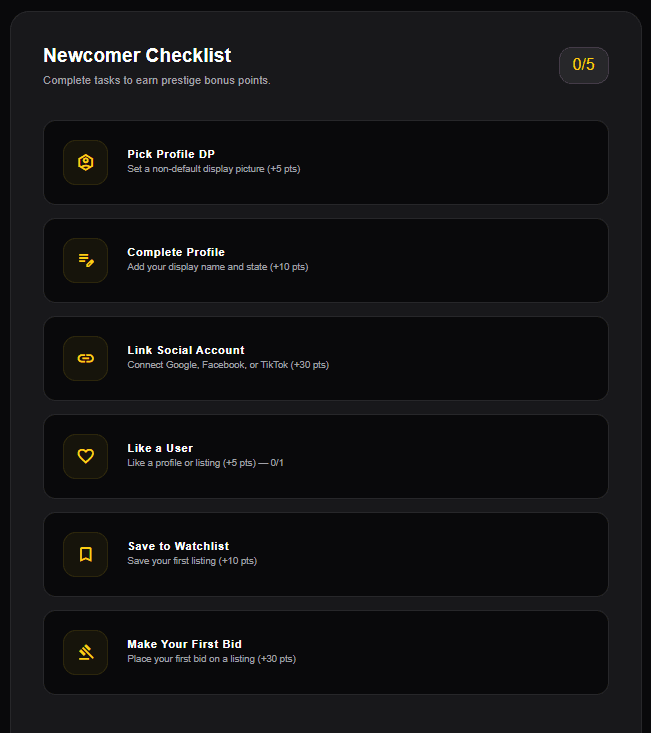
Finally, tackle the Newcomer Checklist — six small tasks (pick a profile DP, fill in your display name and state, verify your identity by email or social sign-in, like a listing, save your first watchlist listing, and place your first bid) that add up fast, plus a +50 bonus for finishing all of them.
You can link Google or Facebook from the Connected Accounts tab on your Profile at any time. Linking is free — it adds no extra Merit points (identity verification is a single +20 whether you verify by email or sign in socially), but it gives you more ways to sign in.
You don't need an account to browse — look around freely and come back to bid once you're ready.
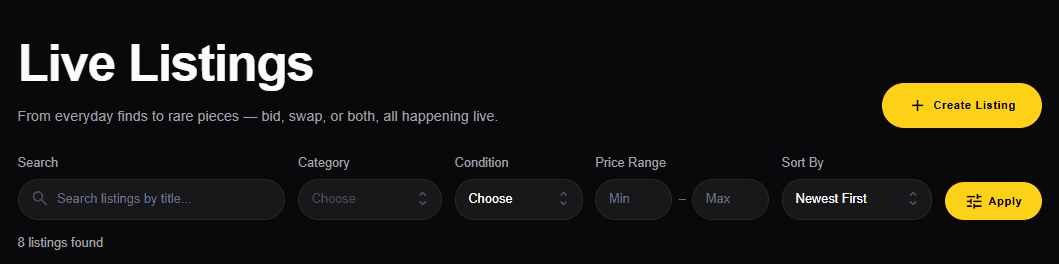
Four ways to find a listing: browse the listings page, use search, enter a listing code directly, or scan a QR code someone shared with you.
Each listing card shows the current price (the "floor"), a live countdown, and whether swap offers are being accepted alongside cash bids.
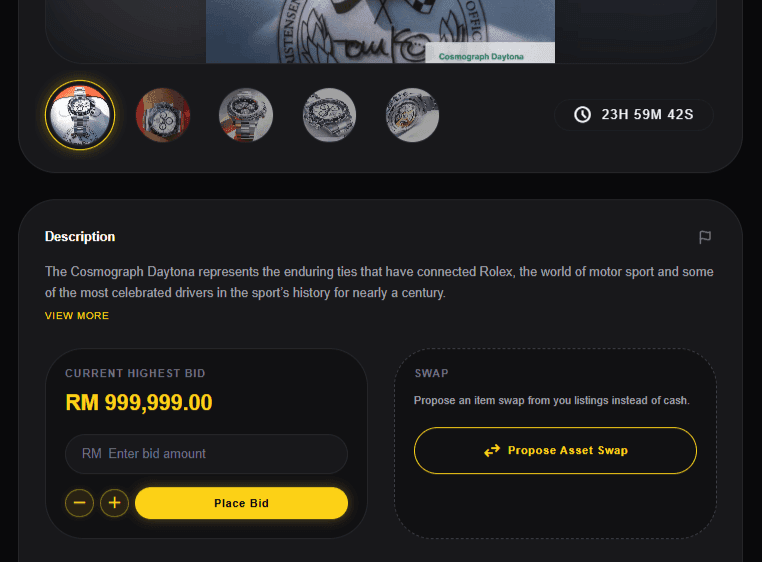
Any logged-in account can place a bid — there is no rank or point requirement. Your very first bid also earns you +30 points, so it pays to jump in early.
Every bid has to beat the current price by at least the listing's minimum increment — the input will tell you if you're under.
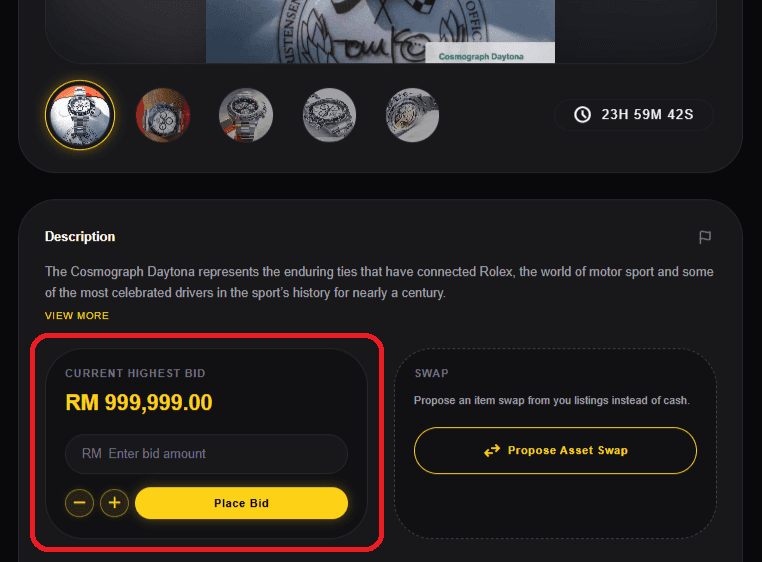
If someone bids in the last 60 seconds, the clock adds 30 more seconds automatically. It's a feature, not a glitch — it stops last-second sniping and gives everyone a fair shot.
See the full Bidding & Auction Conduct rulesarrow_forwardTap Create Listing and start with the basics: a title, a description, a category, and the item's condition. Descriptions of 150+ characters with 3 or more photos unlock a small +5 optimization bonus.
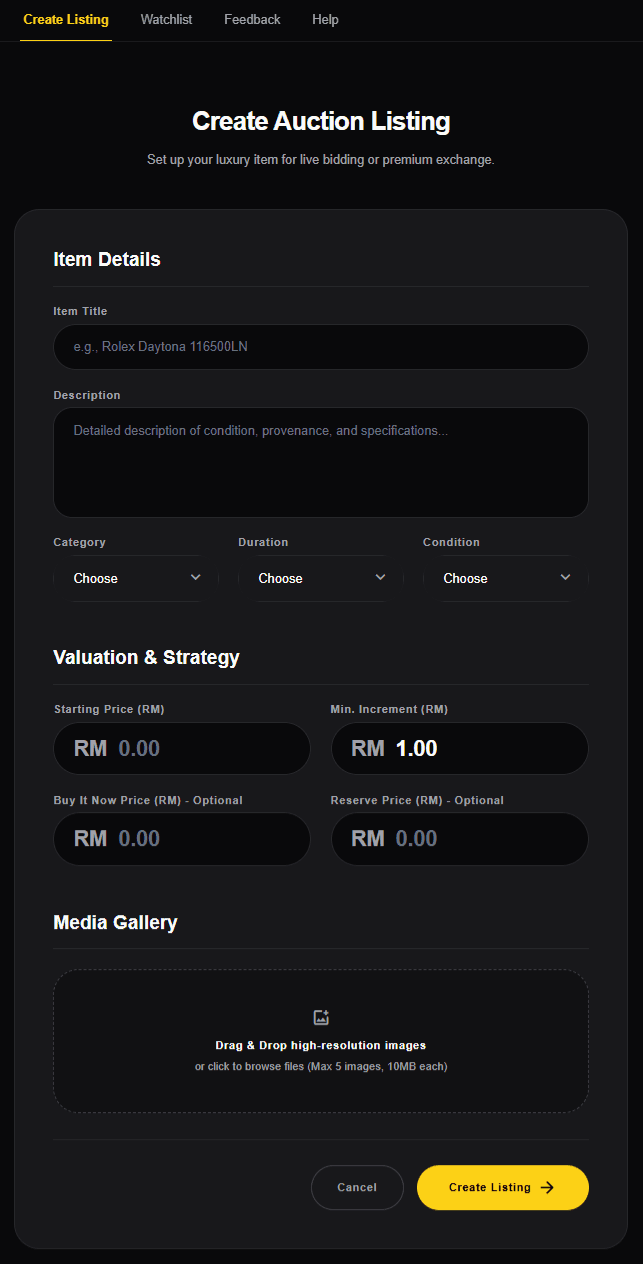
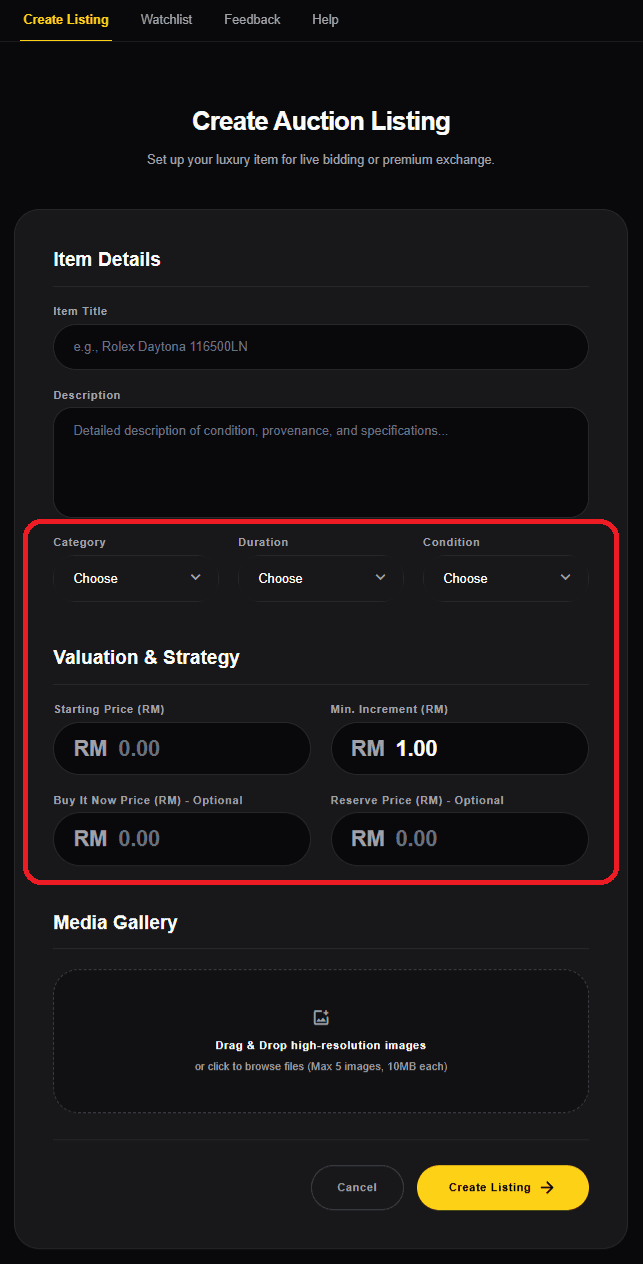
Next, set your pricing: a starting price, an optional Buy It Now price, and an optional reserve price if you don't want it to sell below a certain amount. Then pick a duration.
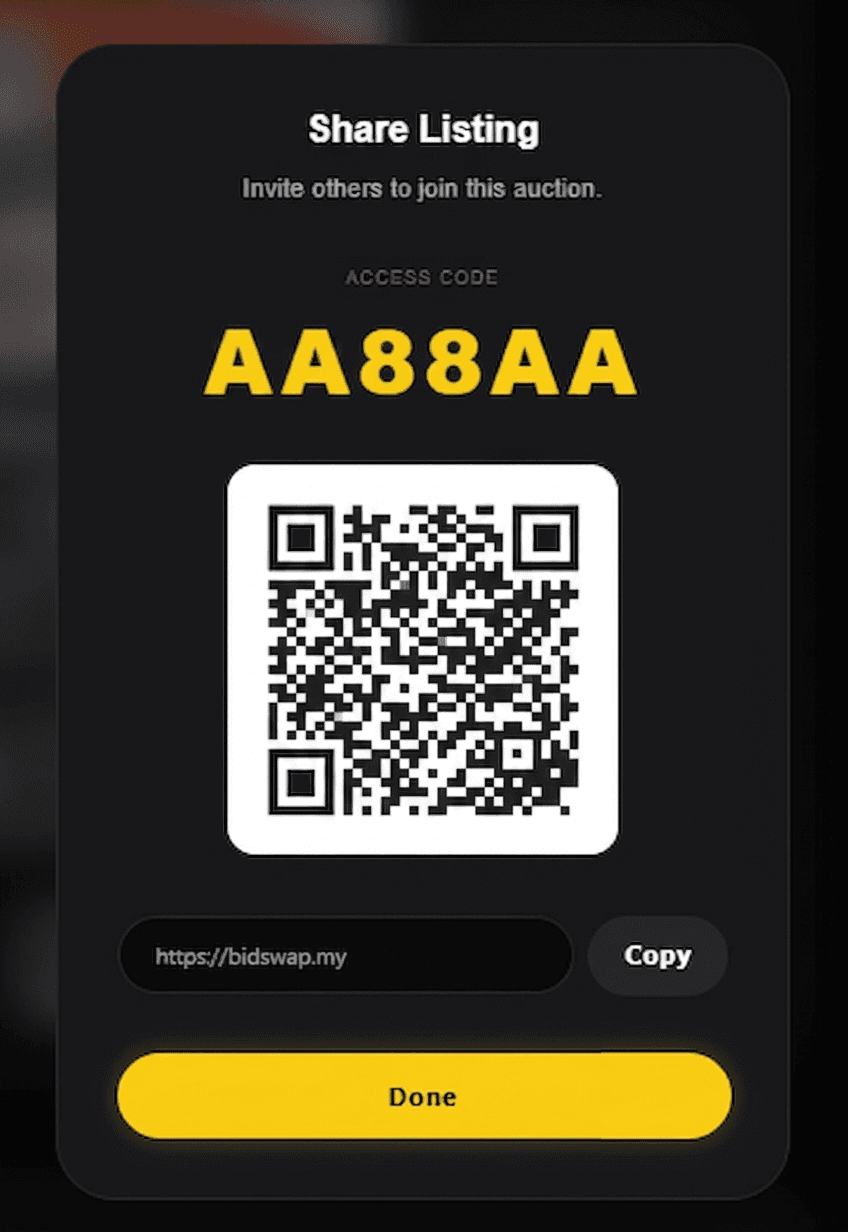
Once published, you'll get a unique listing code, a QR code, and a shareable link — post any of these to bring bidders in.
You can cancel a listing with 0 bids anytime, no penalty. Once it has a bid, the listing can no longer be cancelled — the auction runs to its end.
Full listing cancellation rulesarrow_forwardWhen the timer hits zero, the highest bidder (or best swap offer) wins, and both sides get notified.
From there, the seller picks the outcome. The system generates a PIN, the buyer sees it, and the seller enters it to confirm — and you're done. The Advanced Guide covers this whole process in detail, worth a read before your first sale.
Full post-auction walkthrougharrow_forward